Never miss any appointments
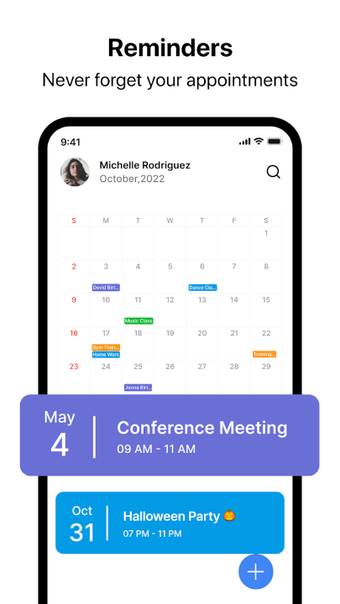
Calendar - Schedule Planner created Calendar, a productivity software. This application gives you a great overview of your appointments and meetings. You will never miss another occasion, and the after-call menu option will make organizing a breeze. You can also use the call widget to organize essential meetings, with one-click access to your calendar and the opportunity to establish daily notifications.
The Calendar app allows you to spend less time managing your calendar and more time doing other important stuff. This useful tool can be used as a planner for work, family, and personal occasions.
Plan your event smartly
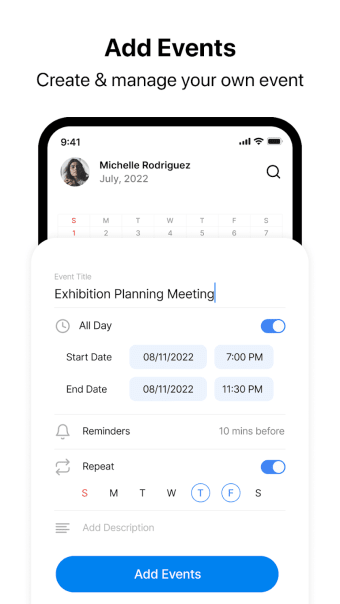
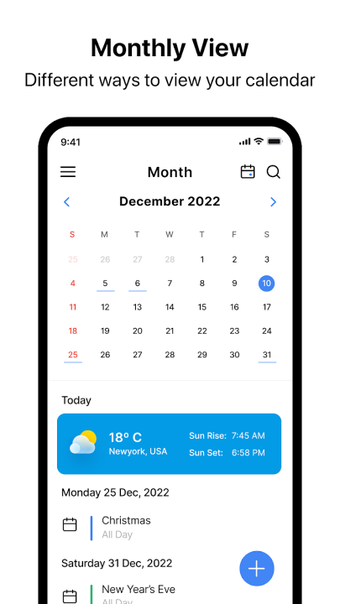
The Calendar app organizes all of your activities and also includes a tool called schedule planner, which allows you to schedule your meetings intelligently. You can also access your calendar and see all of your activities on calls and after calls in List, Day, Week, or Month mode. You can also rapidly add a new event and drag an appointment into their weekly planner to adjust your calendar.
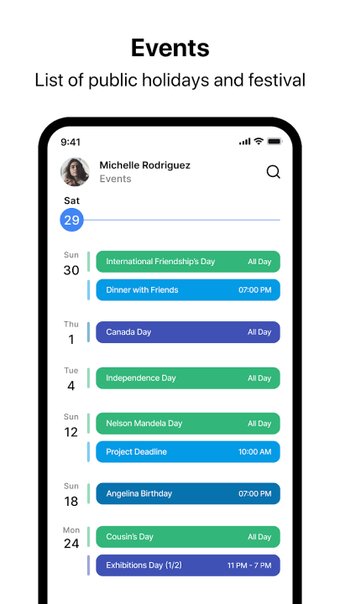
It also has a company calendar that can assist you to organize events by making smart suggestions. It offers event titles, participants, and locations, so you don't have to think about anything else for your event. It also includes a holiday calendar, time zone, and weather support, and much more, allowing you to organize events while taking into account some unavoidable situations.
It offers a straightforward and easy-to-understand interface that is ideal for everyone. It gives a clear and complete picture based on the calendar day, week, month, quarter, and year views and duties. The WeekCal feature makes adding, repeating, and rearranging events extremely easy. This productivity tool also has a Christmas countdown feature, allowing you to appreciate and enjoy the advent season. However, this app is ad-filled.
Enjoy a hassle-free event planning experience
Calendar - Schedule Planner is an essential productivity solution whether for work, family, and personal events. This program provides a comprehensive picture of your appointments and meetings. It specifically offers a workplace calendar that may help you plan activities by giving intelligent suggestions. It provides a clear and full image based on perspectives and tasks for the calendar day, week, month, quarter, and year.